Agency Types
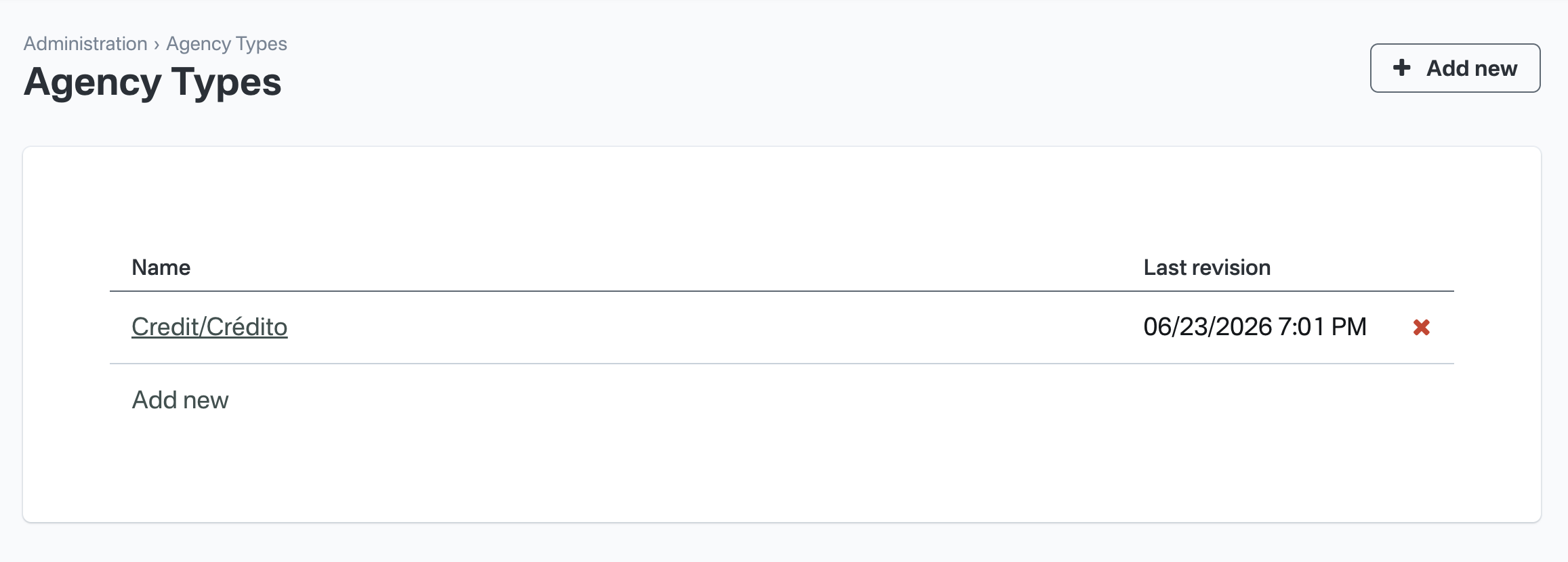
Navigate to Admin > Agency Types to manage the agency types available for your account.
From this section you can create, edit, and remove agency types for your account. Each agency type has only a name. Agency types are used to classify agencies so you can assign a contract type to each one.
Creating an agency type
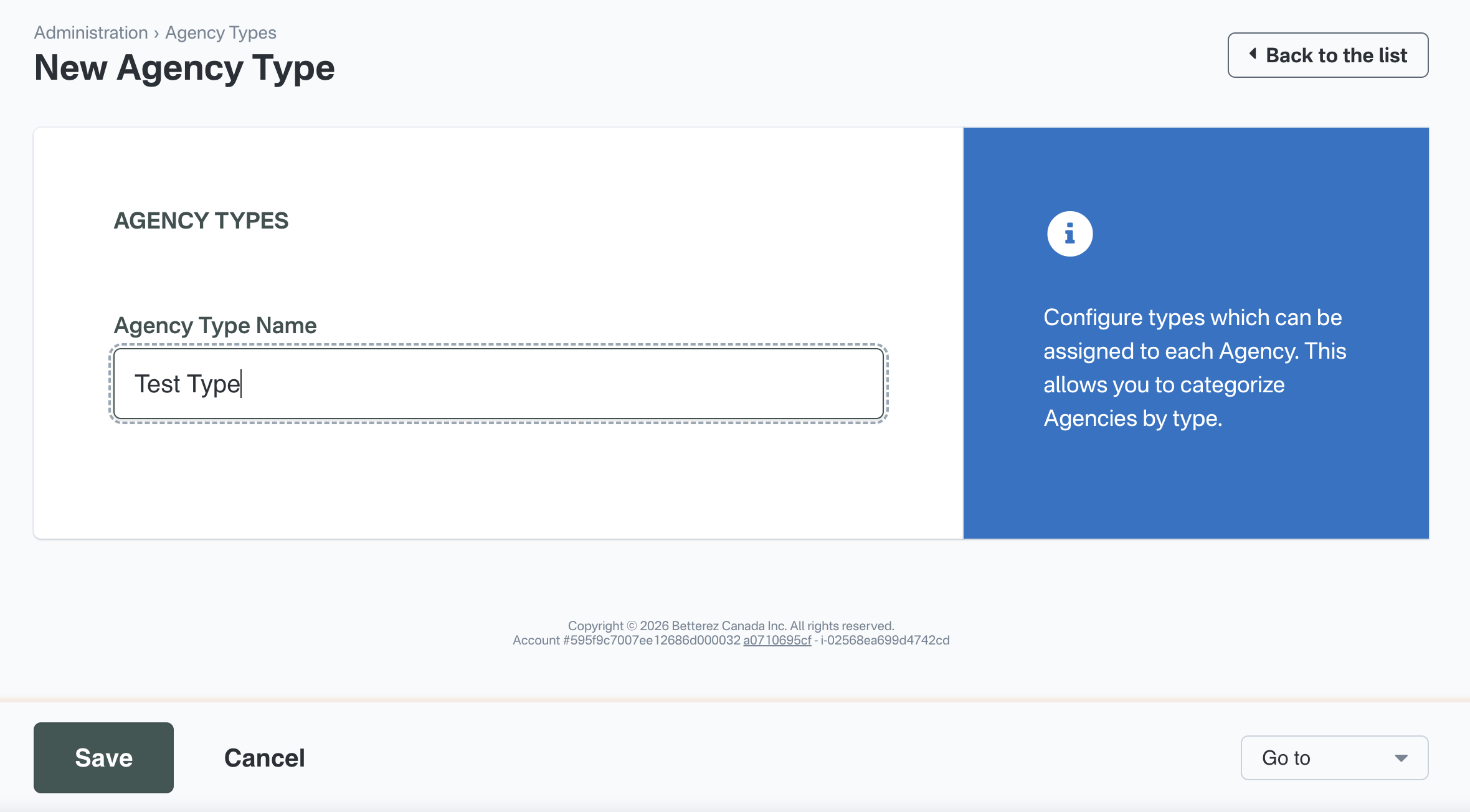
Click Add new to open the agency type form. Enter a name for the agency type and click Save.
Editing and deleting agency types
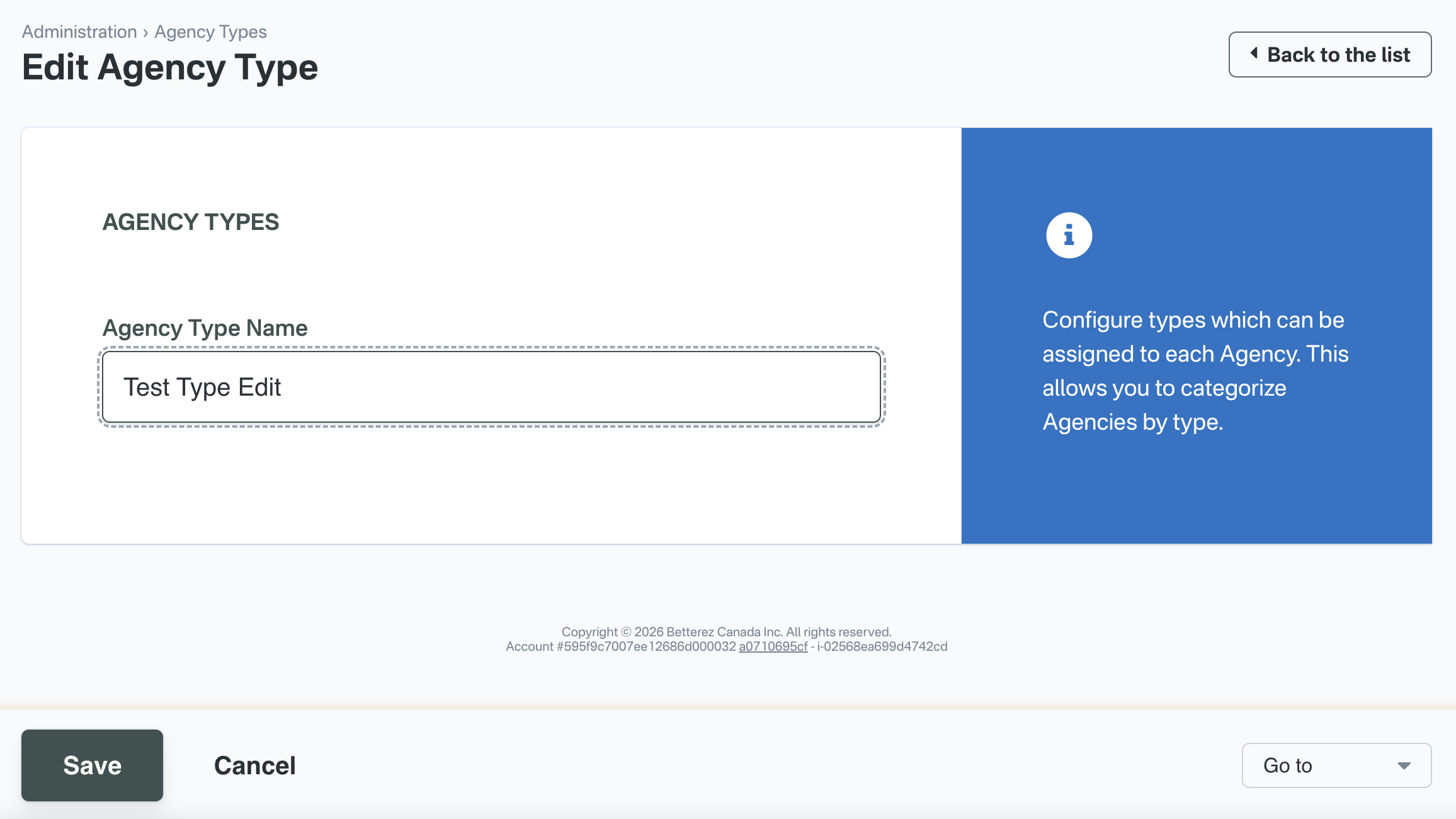
From the agency types list, click an agency type name to edit it, or use the delete action to remove one you no longer need.
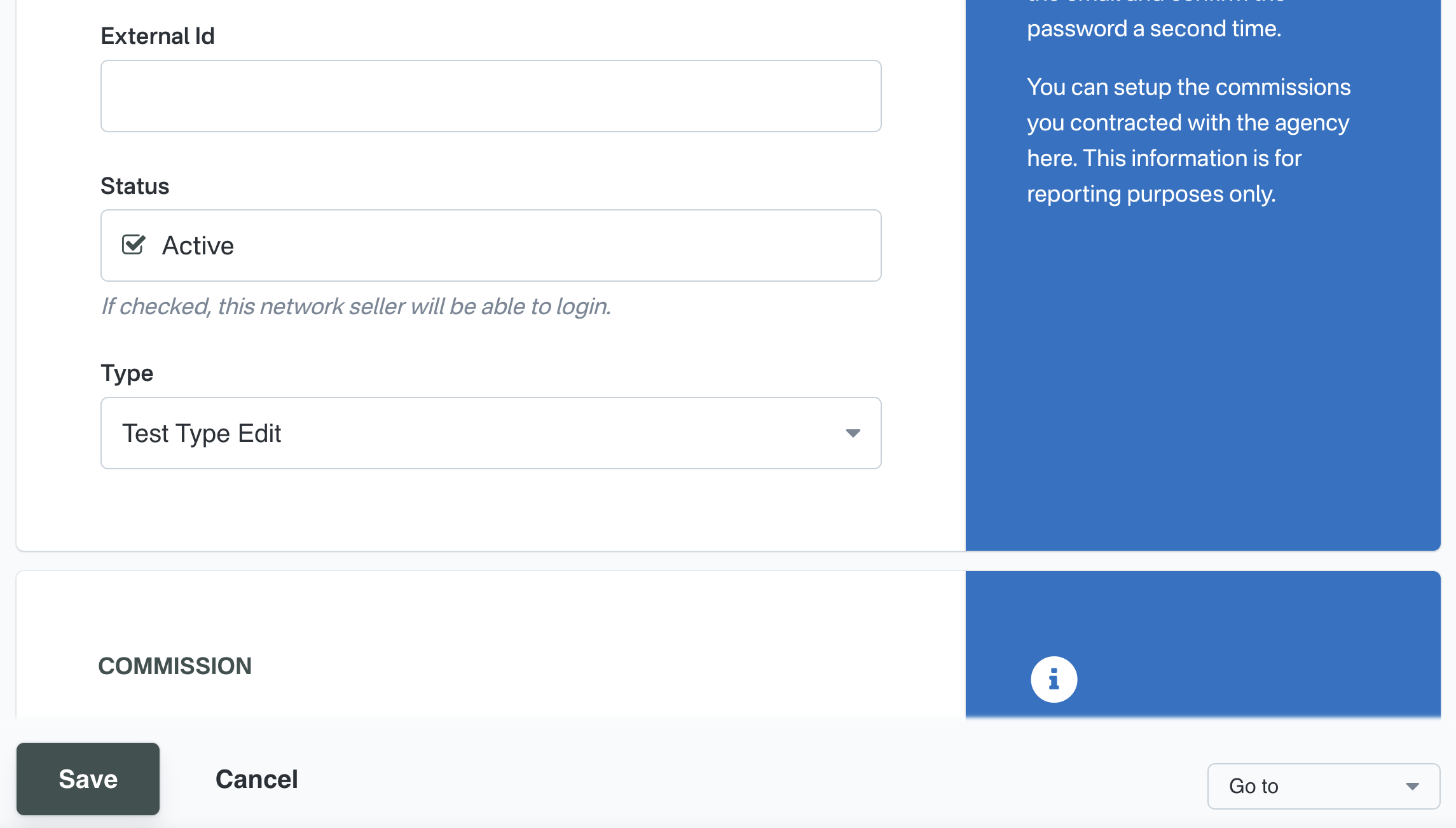
Agency form requirement
Once your account has at least one agency type configured, Agency type becomes a required field when creating or editing an agency. Each agency must be assigned an agency type so it can be classified with the appropriate contract type.