FOF and FO statistics
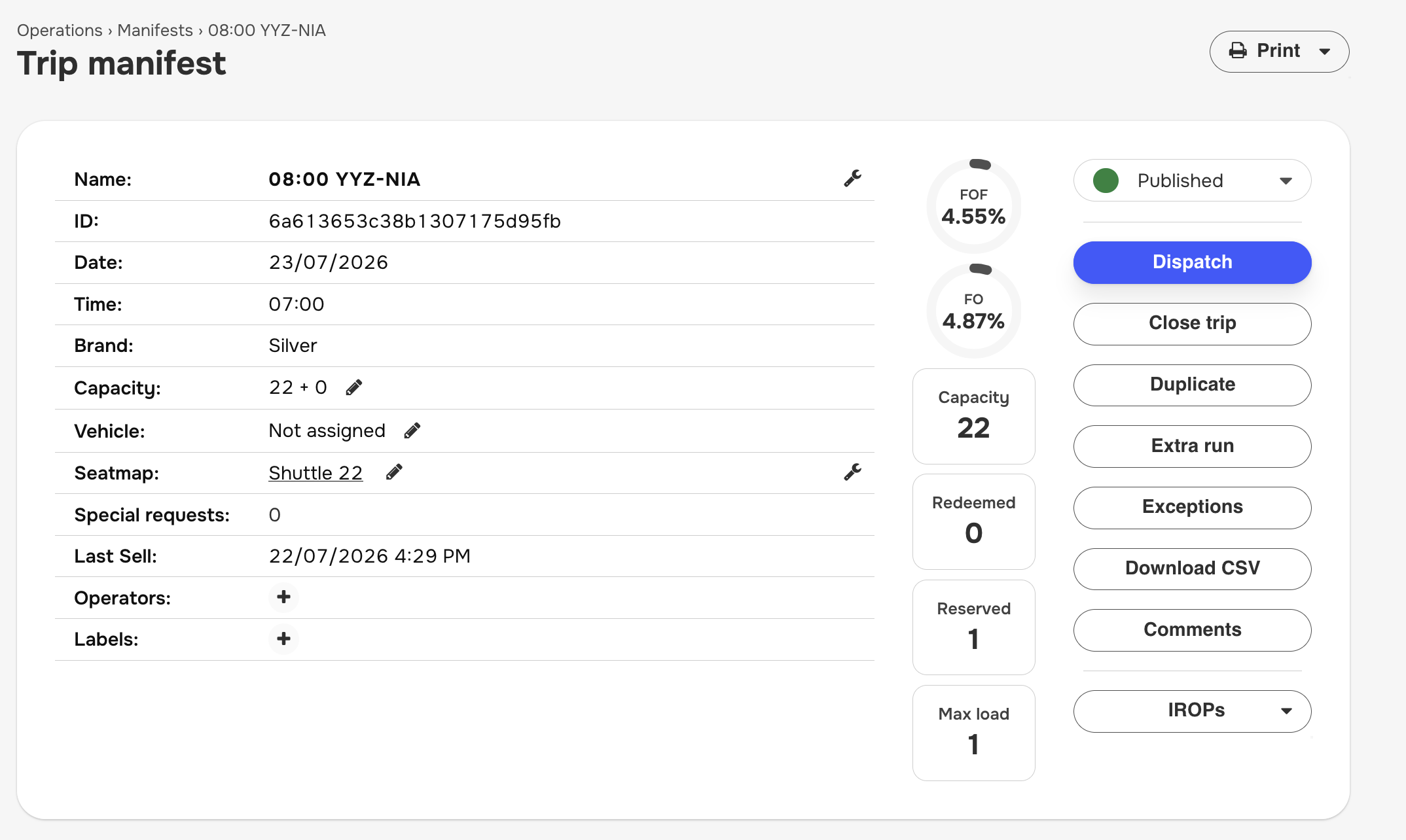
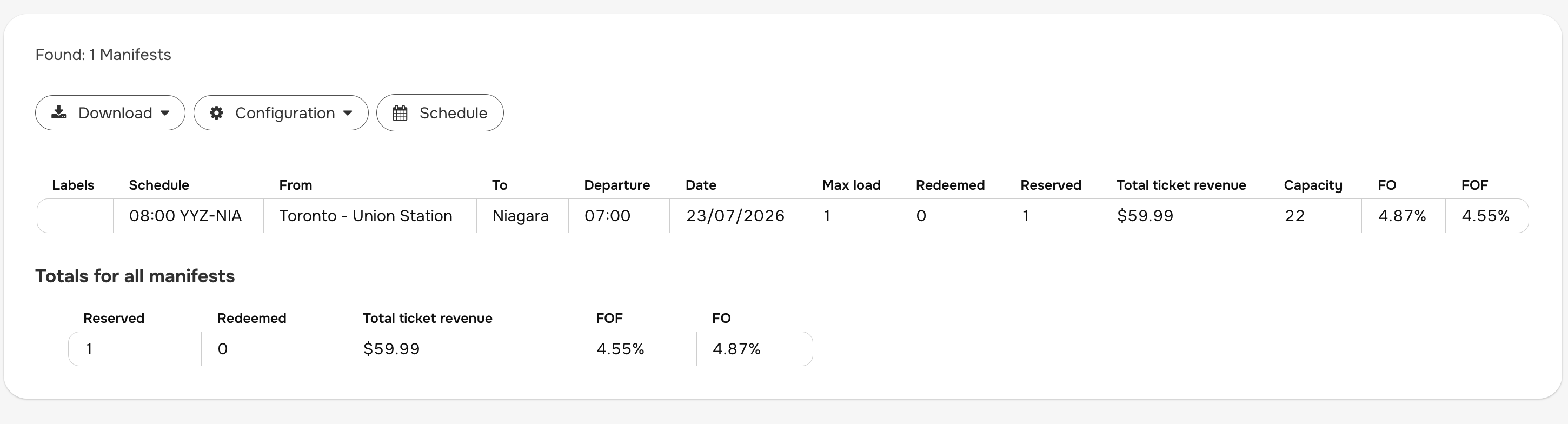
FOF and FO are manifest occupancy indicators shown in Backoffice when the feature is enabled.
- FOF (Physical Occupancy Factor): seat occupancy based on passengers vs physical capacity.
- FO (Financial Occupancy): financial occupancy indicator for the manifest.
Where to enable it
Go to Admin > Sales inventory > Operation settings > Manifests (see Operation settings).
Enable:
- Display FOF and FO statistics
- Manifest FOF goal (set a value from 1 to 100)
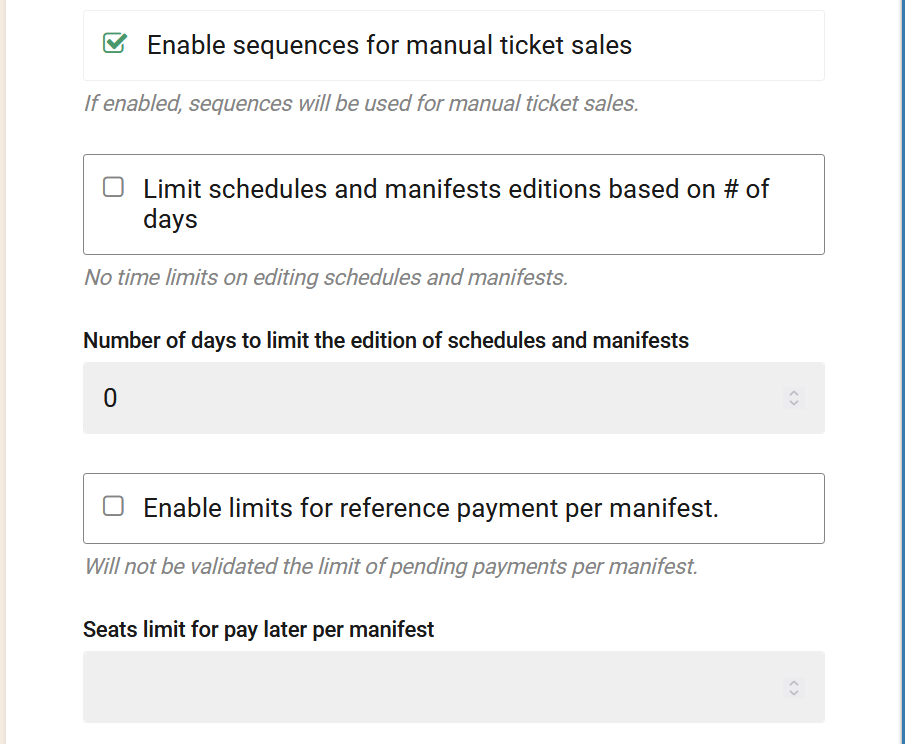
Then click Save.
Where it is shown
After enabling the setting, FOF/FO can be displayed in:
- Manifest details in the operations flow (for manifests that have statistics available)
- Manifest reporting pages where these statistics are supported
Configuration flow (recommended)
- Configure FOF/FO in Operation settings.
- Configure segments information (distance/time by segment) in Segments information.
- Configure and publish your routes and schedules.
- Operate manifests (sales/redeems) so occupancy data exists.
Confirmation about your process
Based on validated behavior in testing, this is the required flow:
- Set FOF parameters in operation settings: Yes.
- Create segments: Yes, mandatory for FOF/FO calculation in the tested flow.
- Create schedules: Yes (manifests are schedule-based, and FOF/FO is calculated on manifest data).