Page summary
Payment Providers: Saldo Max
Setting Up the Payment provider with 'saldo_max' payment method
Navigate to admin>payments scroll to find the saldo_max payment type and click in the name.

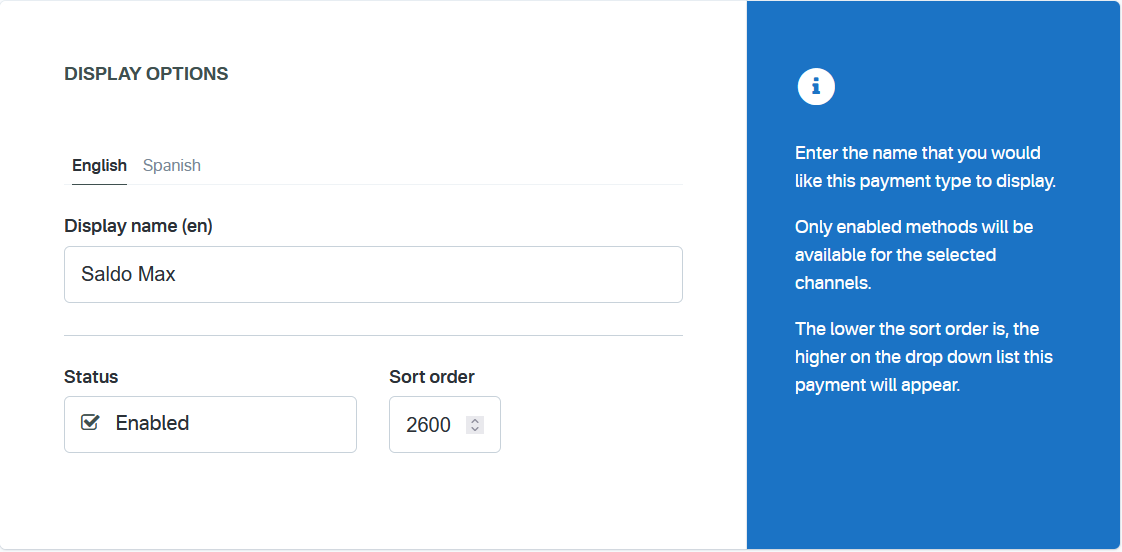
Display options
Once on the Edit payment method screen the user will be required to configure the following fields:
Display Name The name you would like displayed in the shopping cart list of payment methods.
Enabled If checked, this payment method will be available for those sales flow channels it'll be configured.
Sort Order The higher the number, the lower in the list of payment methods this payment method will appear.
Options
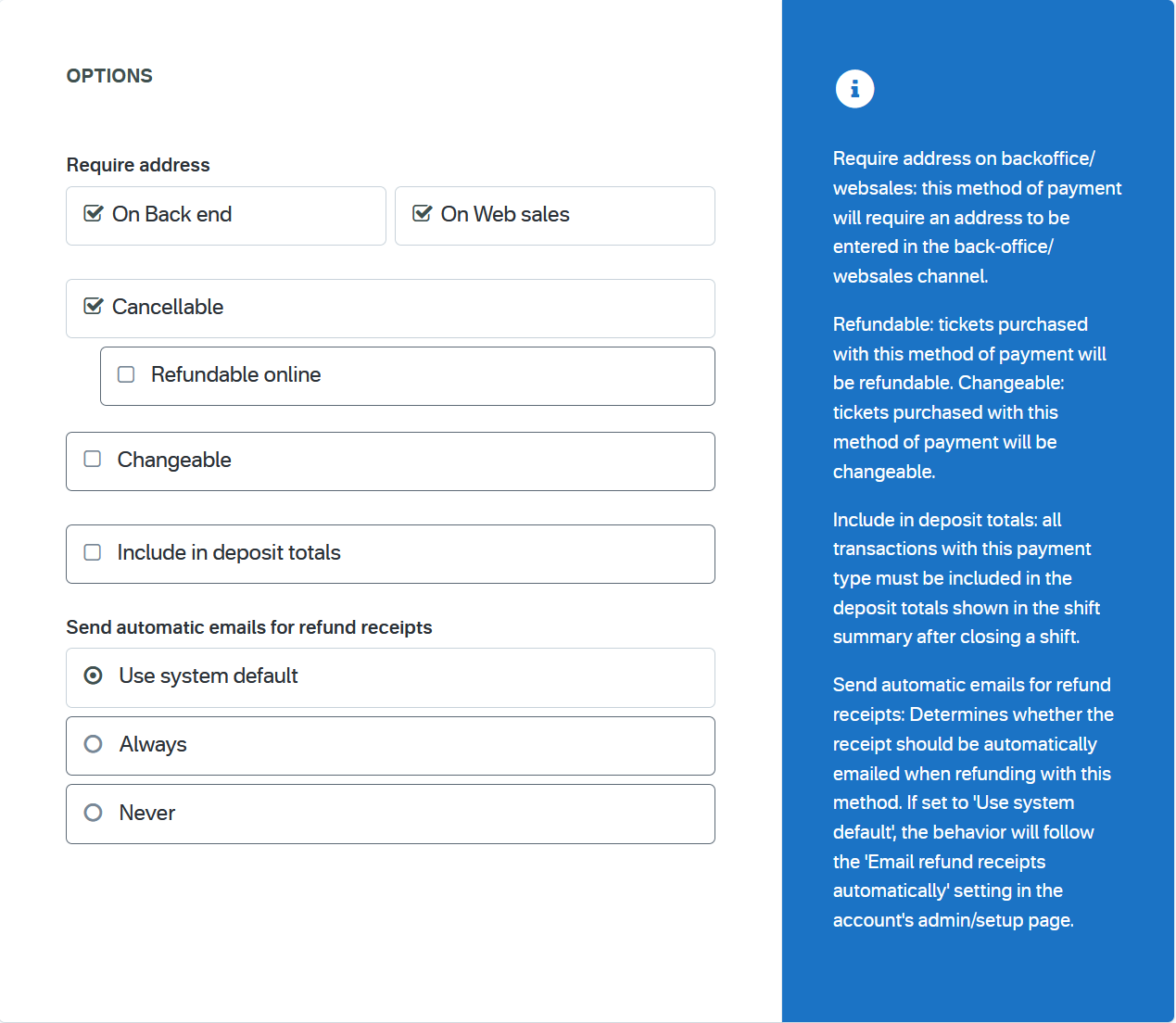
Require address on Back end If checked, this payment method will require the address of the customer in the back end sales flow.
Require address on Web sales If checked, this payment method will require the address of the customer in the web sales sales flow.
Cancellable and Changeable If checked, tickets purchased with this method of payment will be Cancellable or changeable.
Include in the deposit totals If checked, this payment type will have documentation that is necessary to include with seller shift deposit before closing a shift.
Send automatic emails for refund receipts Send automatic emails for refund receipts: Determines whether the receipt should be automatically emailed when refunding with this method. If set to 'Use system default', the behavior will follow the 'Email refund receipts automatically' setting in the account's admin/setup page.
Restrictions
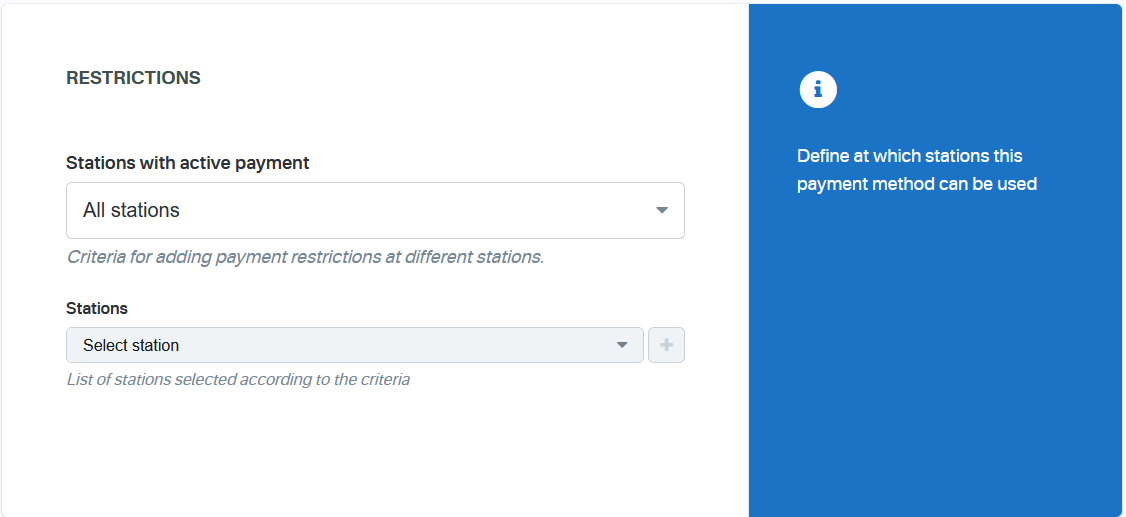
Stations with active payment Determines at which stations this payment method will be available. You can apply the method to all stations or restrict it based on specific selection criteria.
Stations Allows selecting specific stations where this payment method will be enabled. The list of stations will be defined according to the criteria selected above.
Combine
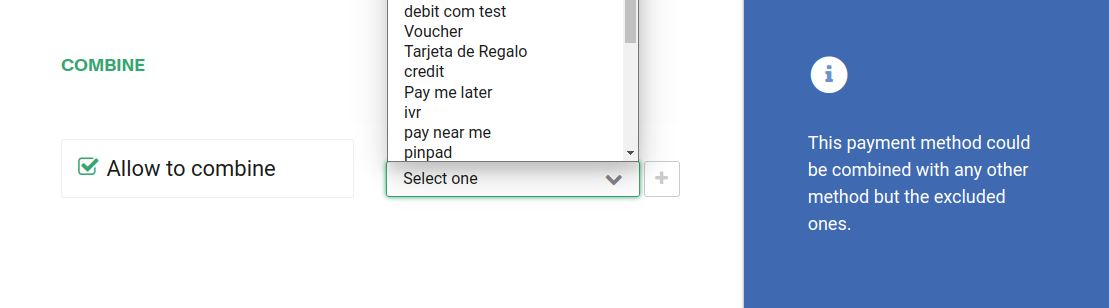
If Allow to combine is checked, the payment method can be combined with any other payment method on the payment form. You can also set a list of payments which can't be part of that combination:
Channels
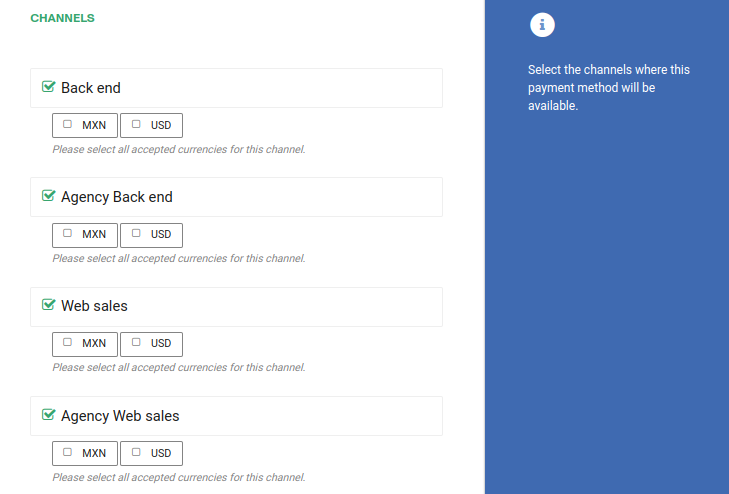
Make sure to select only the Back end channel since this method requires a pinpad to be installed and it will not work in websales. If the account is a multi-currency account, at least one currency per enable channel will be required:
Refund settings
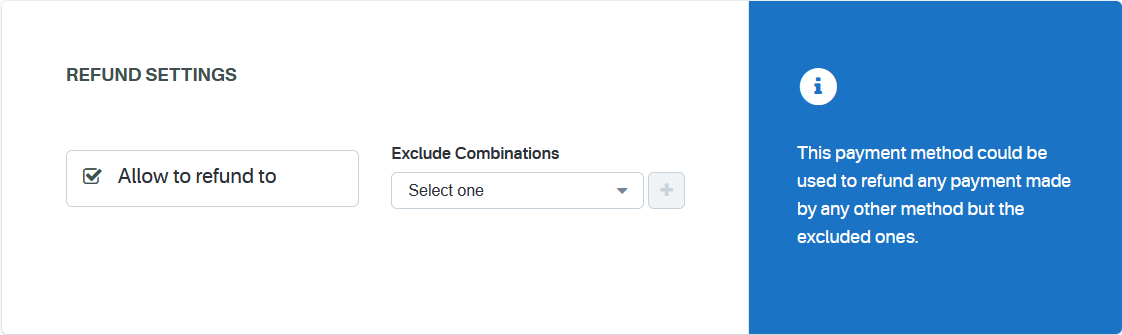
This payment method could be used to refund any payment made by any other method but the excluded ones.
Subdomains
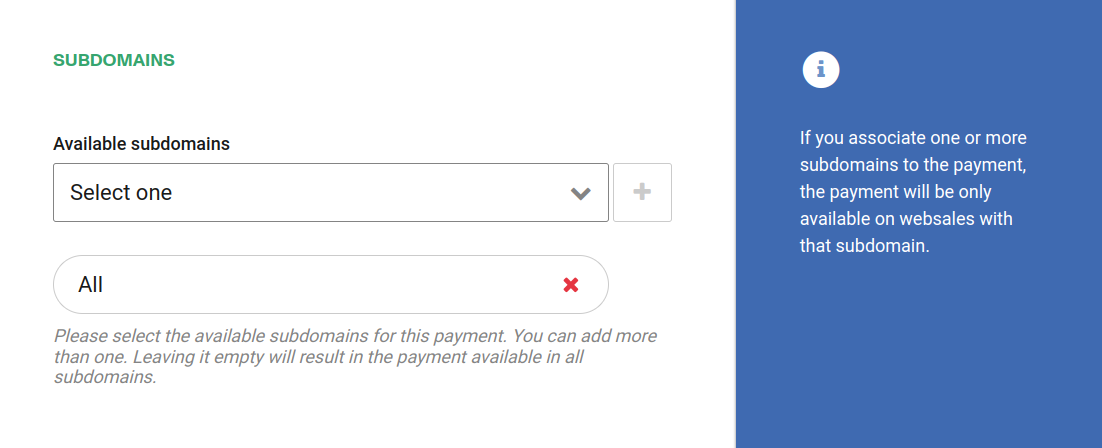
If your account has custom subdomains you can also configure the domains this payment method will be available for.
Parameters
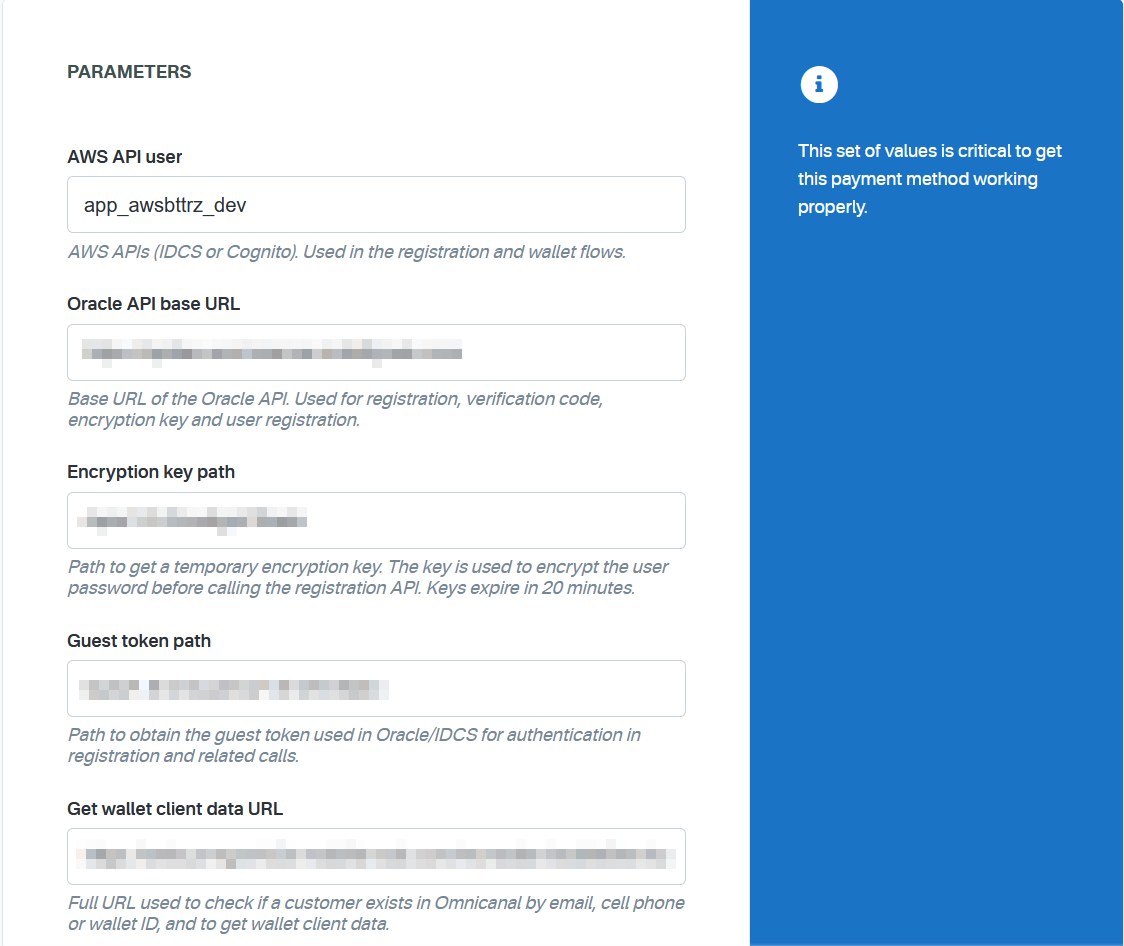
Configure all the parameters to connect to the Saldo Max provider:
The AWS API user AWS APIs (IDCS or Cognito). Used in the registration and wallet flows.
The Oracle API base URL Base URL of the Oracle API. Used for registration, verification code, encryption key and user registration.
The Encryption key path Path to get a temporary encryption key. The key is used to encrypt the user password before calling the registration API. Keys expire in 20 minutes.
The Guest token path Path to obtain the guest token used in Oracle/IDCS for authentication in registration and related calls.
The Get wallet client data URL Full URL used to check if a customer exists in Omnicanal by email, cell phone or wallet ID, and to get wallet client data.
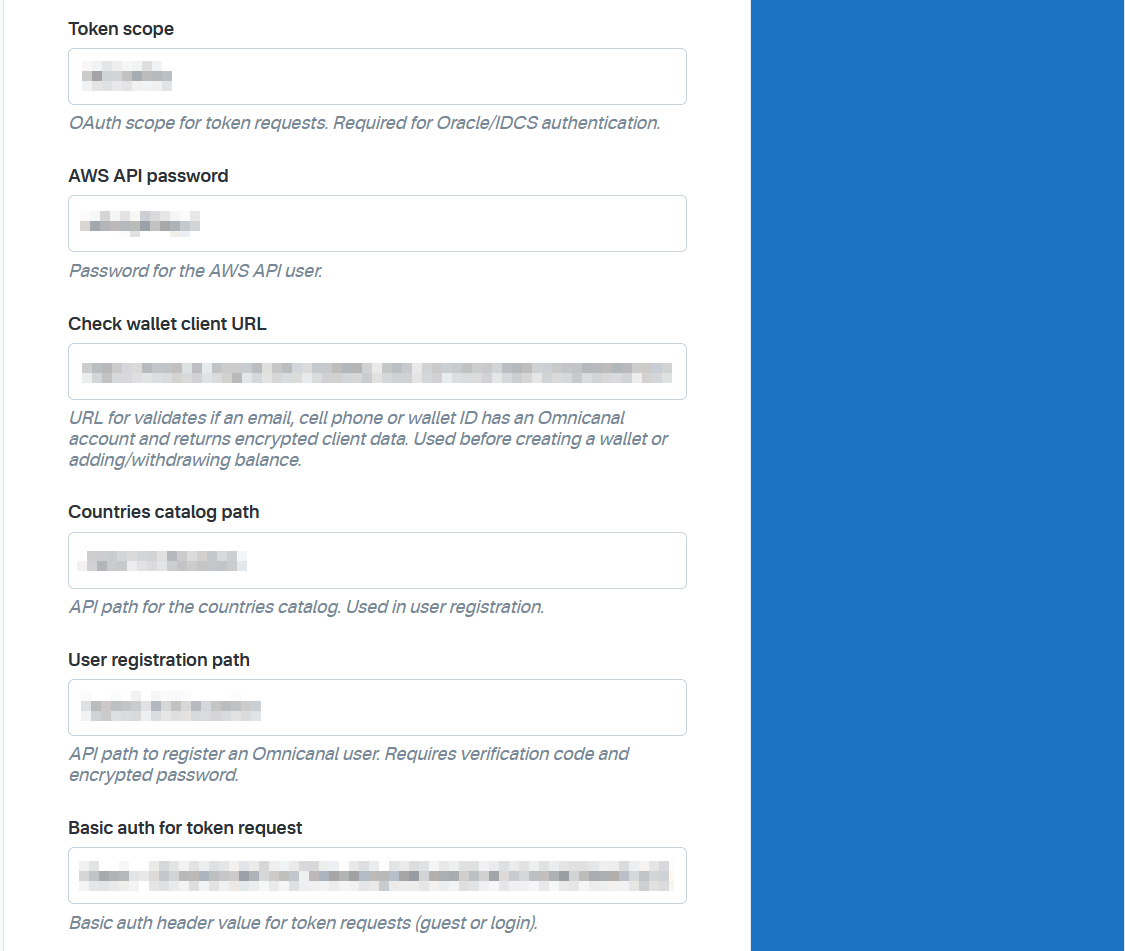
The Token scope OAuth scope for token requests. Required for Oracle/IDCS authentication.
The AWS API password Password for the AWS API user.
The Check wallet client URL URL for validates if an email, cell phone or wallet ID has an Omnicanal account and returns encrypted client data. Used before creating a wallet or adding/withdrawing balance.
The Countries catalog path API path for the countries catalog. Used in user registration.
The User registration path API path to register an Omnicanal user. Requires verification code and encrypted password.
The Basic auth for token request Basic auth header value for token requests (guest or login).
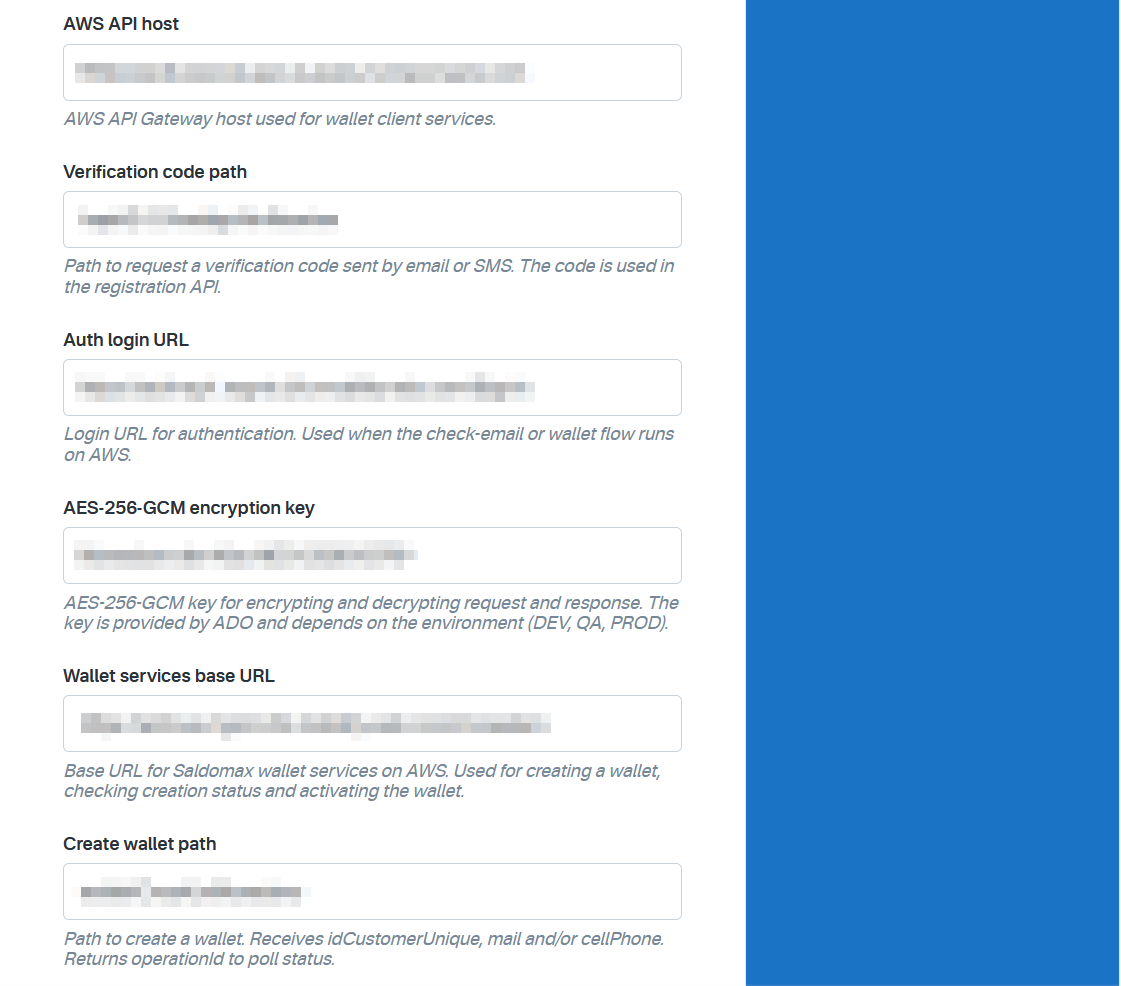
The AWS API host AWS API Gateway host used for wallet client services.
The Verification code path Path to request a verification code sent by email or SMS. The code is used in the registration API.
The Auth login URL Login URL for authentication. Used when the check-email or wallet flow runs on AWS.
The AES-256-GCM encryption key AES-256-GCM key for encrypting and decrypting request and response. The key is provided by ADO and depends on the environment (DEV, QA, PROD).
The Wallet services base URL Base URL for Saldomax wallet services on AWS. Used for creating a wallet, checking creation status and activating the wallet.
The Create wallet path Path to create a wallet. Receives idCustomerUnique, mail and/or cellPhone. Returns operationId to poll status.
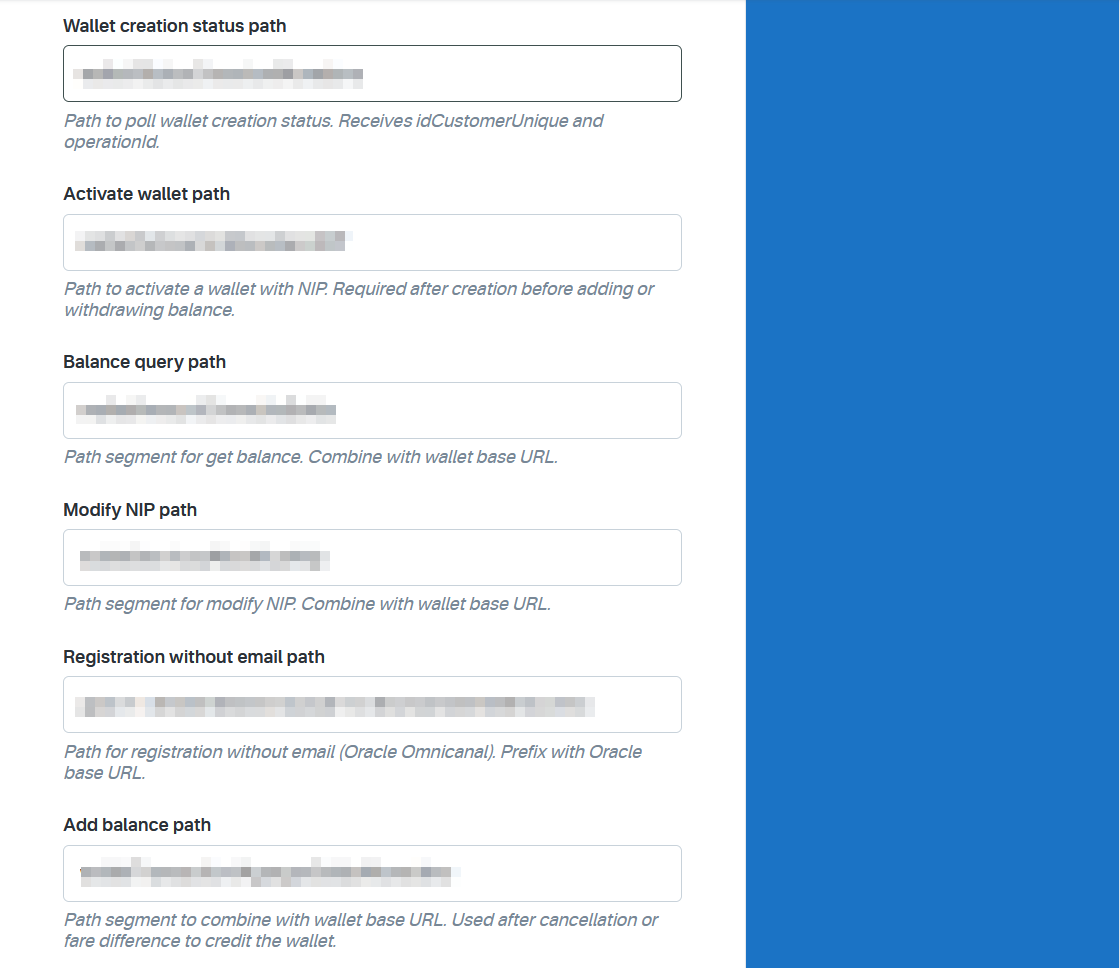
The Wallet creation status path Path to poll wallet creation status. Receives idCustomerUnique and operationId.
The Activate wallet path Path to activate a wallet with NIP. Required after creation before adding or withdrawing balance.
The Balance query path Path segment for get balance. Combine with wallet base URL.
The Modify NIP path Path segment for modify NIP. Combine with wallet base URL.
The Registration without email path Path for registration without email (Oracle Omnicanal). Prefix with Oracle base URL.
The Add balance path Path segment to combine with wallet base URL. Used after cancellation or fare difference to credit the wallet.
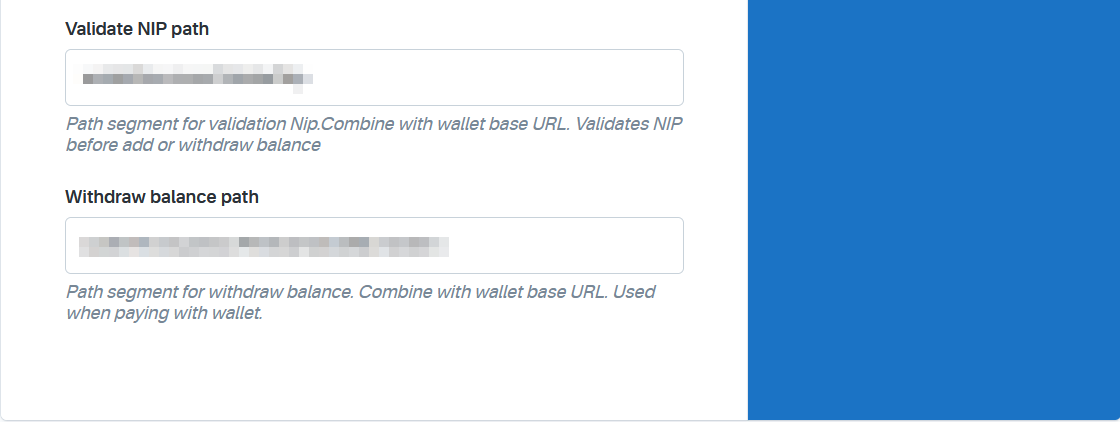
The Validate NIP path Path segment for validation Nip.Combine with wallet base URL. Validates NIP before add or withdraw balance
The Withdraw balance path Path segment for withdraw balance. Combine with wallet base URL. Used when paying with wallet.
Click Save to save your configuration settings.